
Official Link Checklist
A safe official link should be reachable from Roblox, the Bloxheed group, or another clearly controlled developer channel. Search snippets and reposted Discord invites are not enough because Roblox games often attract fake “Trello,” “wiki,” and “code” pages during traffic spikes.
If a link asks for a Roblox login outside roblox.com, stop. If a server promises private code generators, free Robux, or special verification forms, leave. Real Build A Soccer Squad rewards redeem inside the game.
| Link type | Current status | Safe action |
|---|---|---|
| Roblox game page | Confirmed | Open official experience |
| Bloxheed group | Confirmed | Open creator group |
| Trello | No public official link found in checked sources | Wait for a Roblox or Bloxheed link before trusting one. |
| Discord | No public official link found in checked sources | Use Roblox and current code pages for now. |
Scam-Avoidance Rules
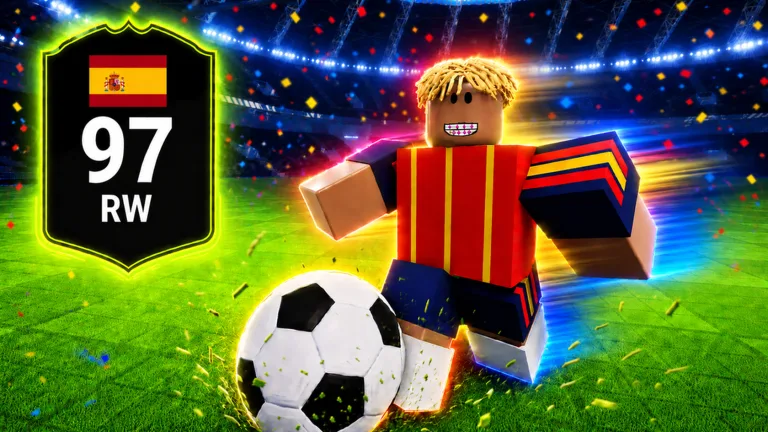
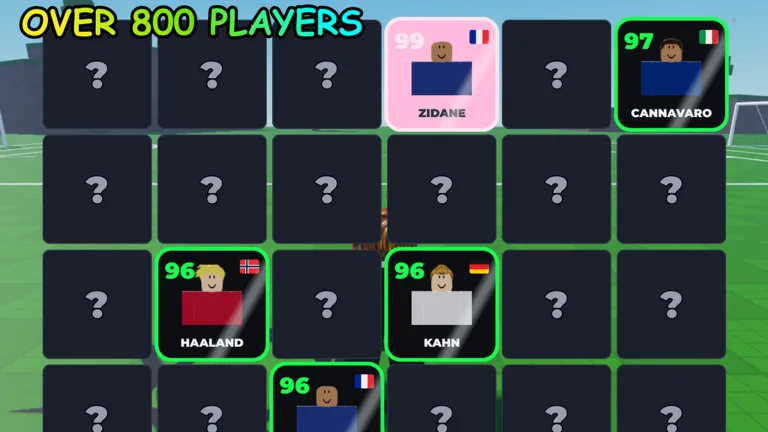
The search results already contain similar Roblox soccer card and squad experiences. That is normal for a trending format, but it makes link hygiene important. The target game for this wiki is Build A Soccer Squad! [2X + CODES] by Bloxheed, root place 82524183928567.
Use a simple trust rule before joining any community link: can you trace it back to Roblox, Bloxheed, or a developer-controlled profile without relying on reposts? If the chain breaks at a random comment, copied invite, or short-link page, treat it as unofficial. A real community can still be useful, but it should not be used as proof for codes, account verification, or private reward claims.
- Do not enter account credentials on any code or Trello page.
- Do not install browser extensions for codes, rerolls, or refreshes.
- Do not trust Discord invites that are only posted by comment accounts.
- Check whether a link appears on Roblox before calling it official.
- Use the exact game title and Bloxheed creator name to avoid similarly named soccer experiences.